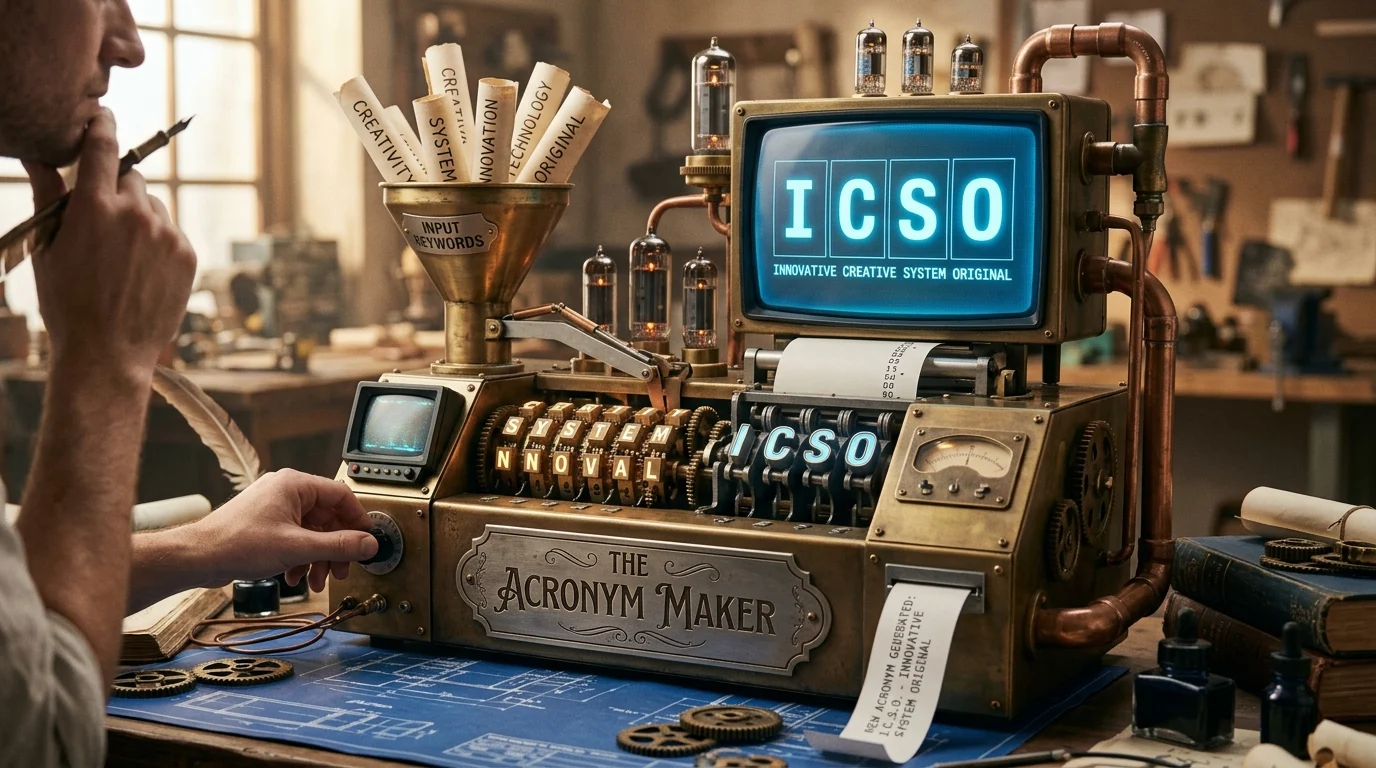
An acronyms maker is a creative method or tool used to transform words, phrases, or ideas into short and meaningful abbreviations. These acronyms are widely used in business, education, branding, marketing, social media, and personal development because they make communication easier, faster, and more memorable.
In today’s digital world, where attention spans are short and communication needs to be quick, acronyms play a very important role. A well-designed acronym can turn a long sentence into a powerful, easy-to-remember word that carries strong meaning.
This guide explains what an acronyms maker is, how it works, how to create effective acronyms, real-world examples, mistakes to avoid, and practical usage in different fields.
What Is an Acronyms Maker?
An acronyms maker is a structured way of creating abbreviations using the first letters of words in a phrase.
For example:
- TEAM = Together Everyone Achieves More
- SMART = Specific Measurable Achievable Relevant Time-bound
- LOVE = Letting Others Value Everyone
Each letter in the acronym represents a word that contributes to a complete idea or message.
Why Acronyms Are Important
Acronyms are not just shortcuts; they are powerful communication tools. They are important because they:
- Simplify long phrases
- Improve memory and recall
- Strengthen branding and identity
- Save time in communication
- Make learning easier
- Create emotional impact
For example, instead of remembering a long concept like “Specific, Measurable, Achievable, Relevant, Time-bound,” people easily remember SMART goals.
How an Acronyms Maker Works
Creating acronyms follows a simple step-by-step process.
Step 1: Choose a Core Word or Idea
Start with a meaningful word such as:
- SUCCESS
- GROWTH
- POWER
- FAITH
- LEADERSHIP
Step 2: Break the Word Into Letters
Each letter becomes the starting point of a new word.
Example: POWER
P = Purpose
O = Opportunity
W = Wisdom
E = Excellence
R = Results
Step 3: Add Meaningful Words
Choose words that connect logically to your theme or message.
Step 4: Refine the Message
Make sure the final acronym is:
- Easy to read
- Easy to remember
- Meaningful and relevant
Types of Acronyms Created by an Acronyms Maker
Business Acronyms
Used for companies, branding, and leadership development.
Example:
LEAD = Learn, Empower, Achieve, Deliver
Educational Acronyms
Used in schools and training programs to help students remember concepts.
Example:
READ = Research, Explore, Analyze, Discover
Motivational Acronyms
Used in personal development and coaching.
Example:
HOPE = Healing, Optimism, Persistence, Encouragement
Faith-Based Acronyms
Used for spiritual inspiration and reflection.
Example:
PRAY = Praise, Repent, Ask, Yield
Creative and Social Media Acronyms
Used for usernames, slogans, and online branding.
Example:
STAR = Strong, Talented, Ambitious, Ready
Characteristics of a Good Acronym
A strong acronym should be:
Simple and clear
Easy to pronounce
Relevant to its purpose
Emotionally meaningful
Short and memorable
A good acronym is not just creative—it is also practical and easy to use in real communication.
Step-by-Step Guide to Create Strong Acronyms
Step 1: Define Your Purpose
Decide if the acronym is for business, education, motivation, or fun.
Step 2: Choose a Strong Word
Pick a word that represents your message.
Step 3: Match Words to Letters
Assign meaningful words to each letter.
Step 4: Keep It Simple
Avoid complex or unrelated words.
Step 5: Test It
Ask yourself:
- Is it easy to remember?
- Does it sound natural?
- Does it clearly represent the idea?
Real-World Examples of Acronyms Maker Usage
Business Example
GROW = Goals, Results, Opportunity, Wisdom
Used in business coaching and leadership training.
Education Example
LEARN = Listen, Explore, Apply, Reflect, Navigate
Used in student learning programs.
Fitness Example
MOVE = Motivation, Ownership, Vision, Energy
Used in health and fitness coaching.
Personal Development Example
FOCUS = Faith, Opportunity, Commitment, Understanding, Success
Used in productivity and goal-setting systems.
Common Mistakes When Creating Acronyms
1. Forcing Unrelated Words
If words don’t match the theme, the acronym becomes confusing.
2. Making It Too Complicated
Long or difficult words reduce memorability.
3. Ignoring Audience Understanding
A business acronym should not feel like a puzzle.
4. Overusing Acronyms
Too many acronyms can confuse readers instead of helping them.
Why Acronyms Are Popular in Modern Communication
Acronyms are widely used in 2026 because:
- Digital communication demands speed
- Social media favors short content
- Education uses memory techniques
- Businesses need efficient branding
- People prefer simple and clear language
Acronyms help turn complex ideas into simple and powerful messages.
Professional Use of Acronyms
In professional communication:
Always define the acronym first
Use acronyms only when necessary
Avoid overusing them in client communication
Ensure clarity in formal documents
Example:
Customer Relationship Management (CRM) improves business communication.
After first use, CRM can be used alone.
Practice Exercise
Try creating your own acronym for the word:
SUCCESS
Example:
S = Strength
U = Understanding
C = Confidence
C = Commitment
E = Excellence
S = Success
Final Summary
An acronyms maker is a powerful tool for transforming words and ideas into meaningful, memorable abbreviations. It is widely used in education, business, branding, motivation, and social media communication.
A strong acronym is simple, clear, and meaningful. It helps people remember complex ideas easily and improves communication across different fields.
By learning how to create effective acronyms, you can improve your writing, branding, teaching, and communication skills in a powerful and practical way.